Set up
Let’s set up your Sonday tag.
Four steps from the box to your first room. Download the app, pair your tag, then tap your iPhone to it.
- Free app
- No account
- No battery
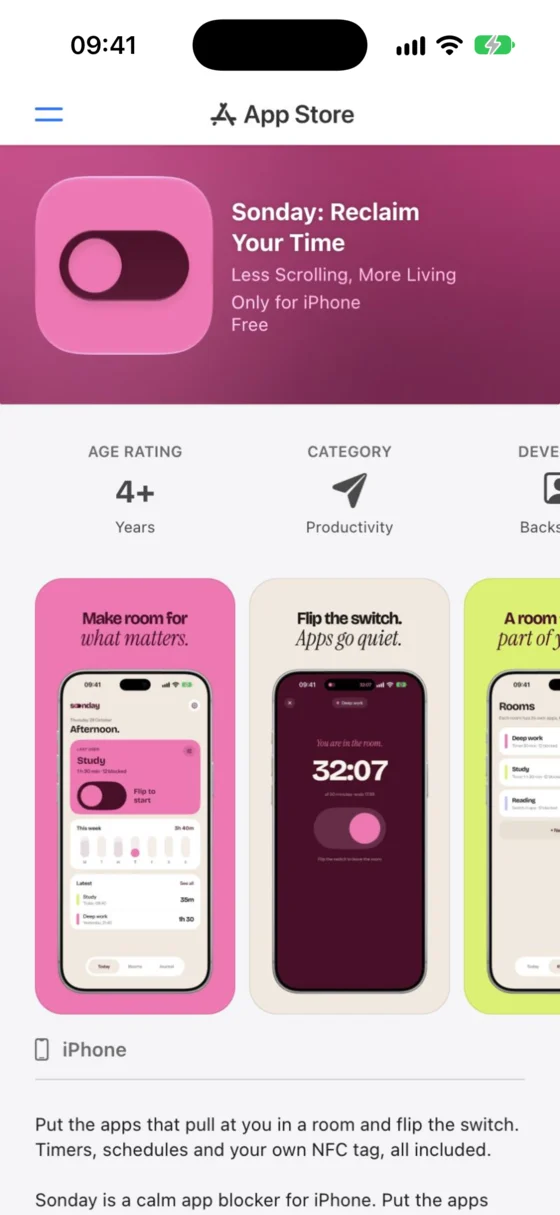
Download the app.
You came here from the QR code in the box. Search for Sonday in the App Store, or use the button below. The app is free, in early access now, and needs no account.
Steps 2 to 4
Pair your tag in three steps.
-
02
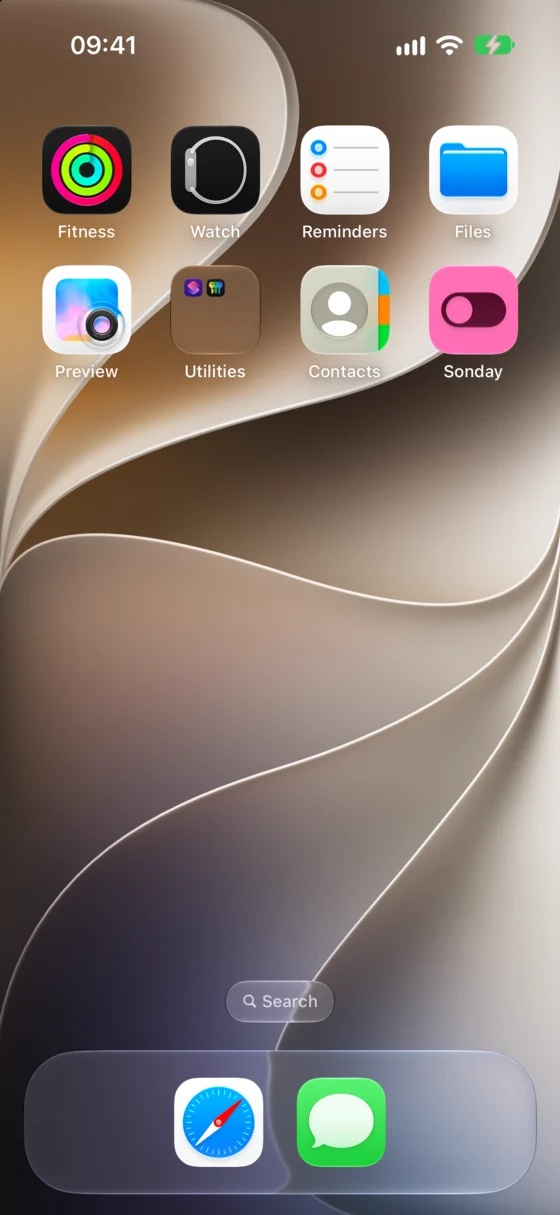
Open the app.
Find the pink Sonday icon on your home screen and tap it. There’s no account and no sign-up: a short welcome and you’re on Today.
-
03
Pair your tag.
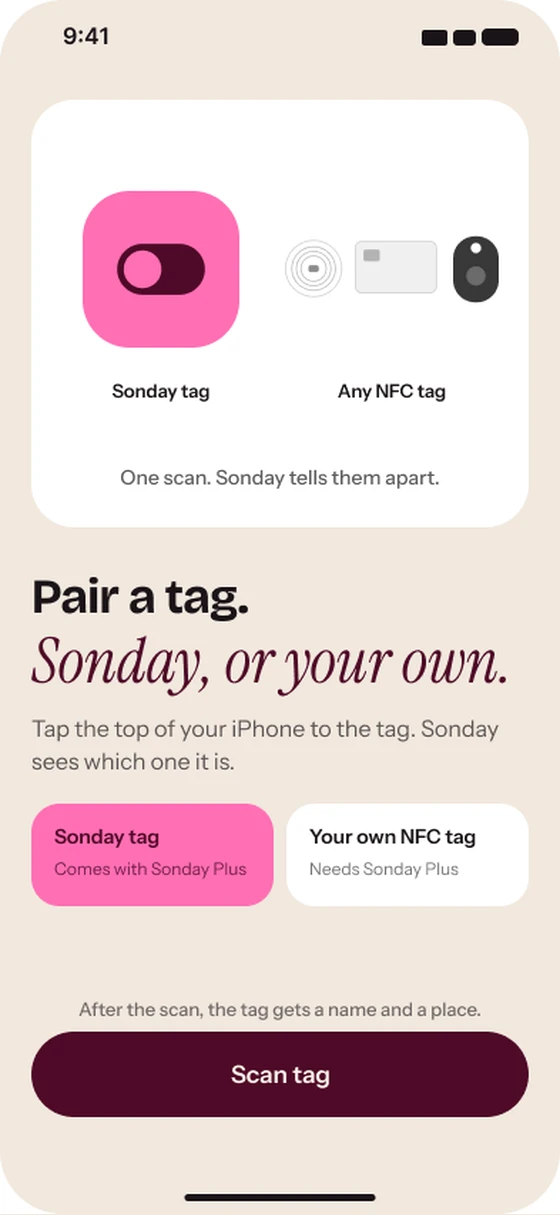
Tap the gear on Today, then Pair your Sonday tag. Tap Scan tag and touch the top of your iPhone to the tag. Sonday recognises it, then you give it a name, like Fridge or Keys.
-
04
Tap to start.
Open a room and under Starts and ends pick Your tag. Now tap your iPhone to the tag and the room starts. Tap again and it ends.
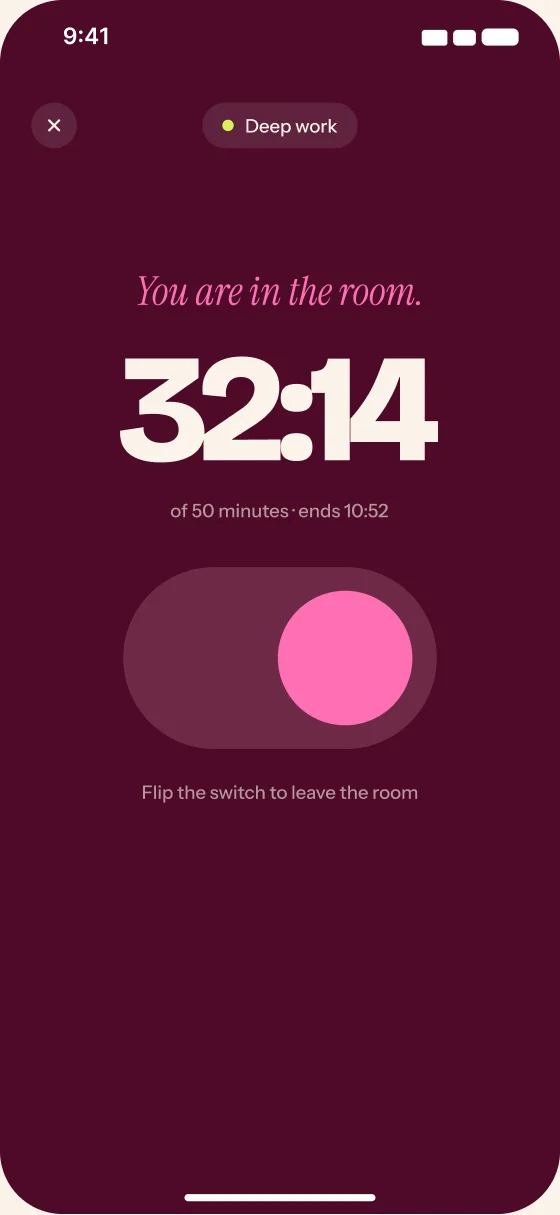
Free in early access
Got your own NFC tag? Use it.
Any NFC sticker, card or key fob works. Pair it in the app and a tap starts your room, another tap ends it. Sonday Plus is free during early access, so your own tag is too.
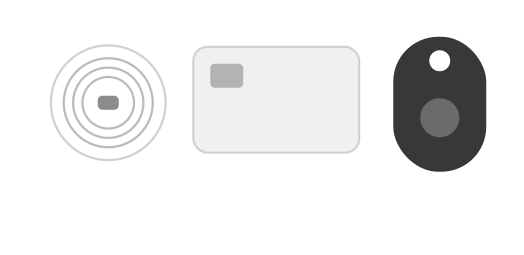 Sticker
Any tag
Key fob
Pair it in three steps
- 01Tap the gear on Today, then Pair a tag.
- 02Tap Scan tag and hold the top of your iPhone to your tag. Give it a name, like Fridge or Nightstand.
- 03Open a room and under Starts and ends pick Your tag. Now a tap starts it.
Picked My own NFC tag when you first opened Sonday? Then you already paired it.
Where it goes
Where to put your tags.
-
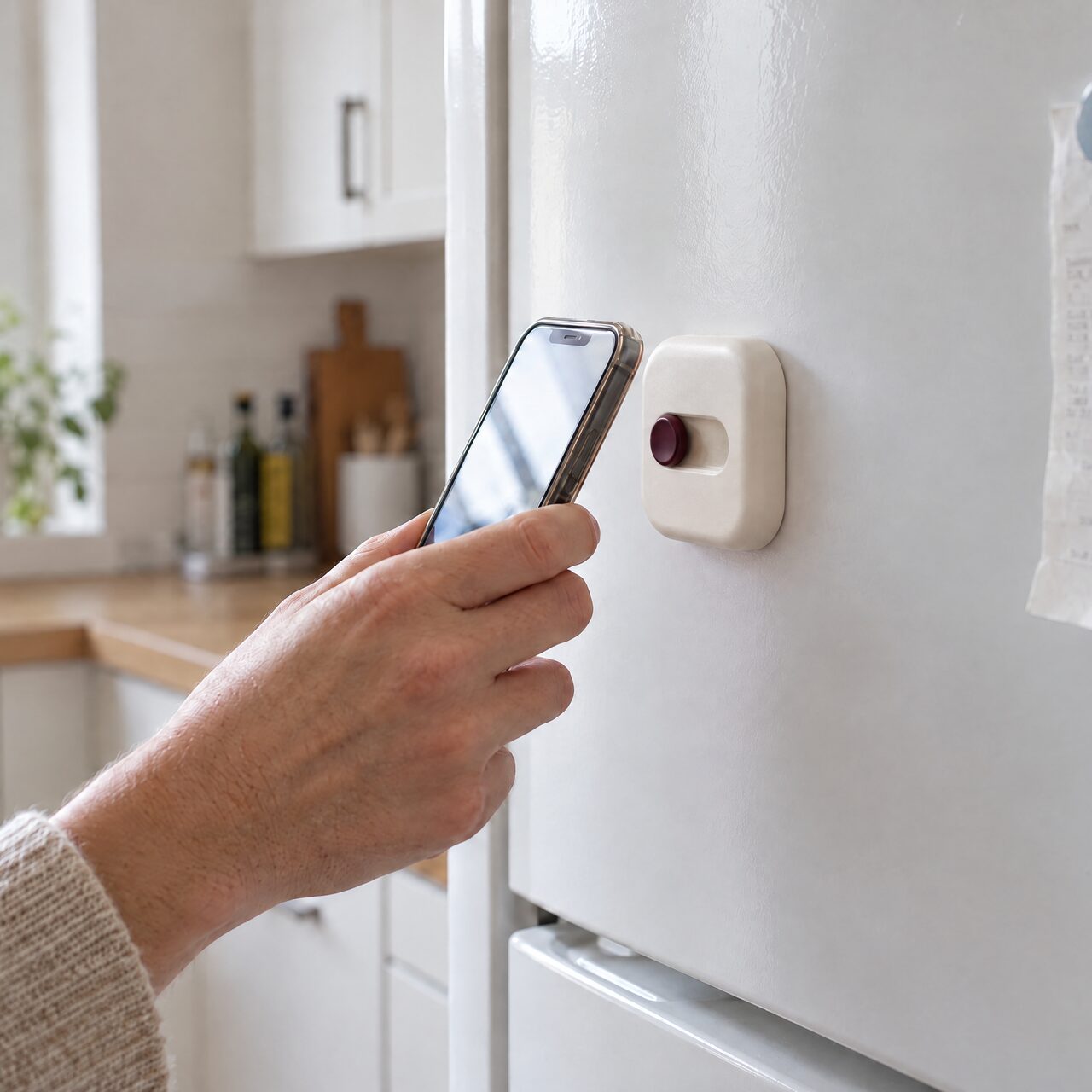
Kitchen
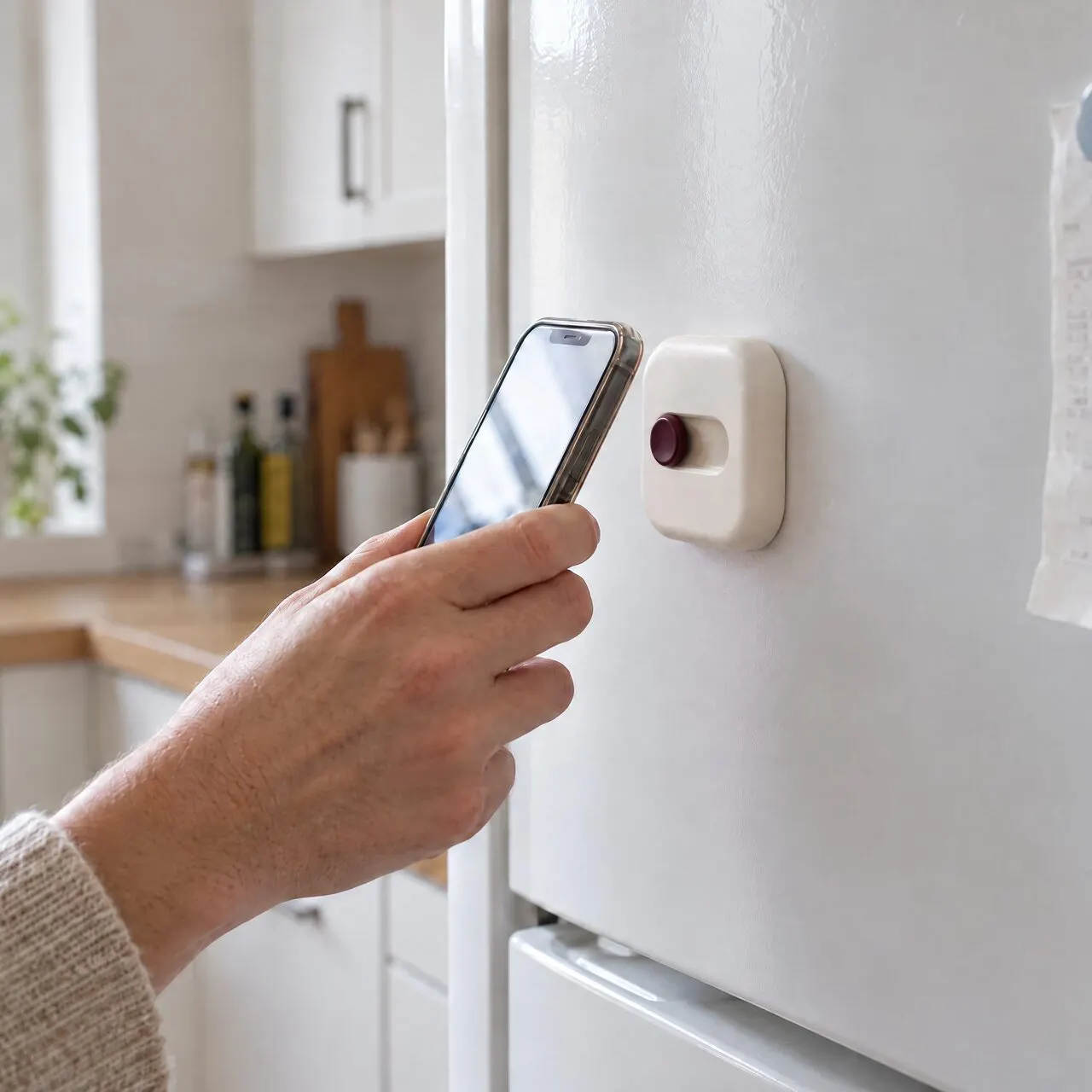
Start dinner without the scroll. Tap your iPhone to it on your way in.
-

Nightstand
Switch on your Bedtime room before sleep, and tap it again in the morning.
-

Desk
Flip on Deep work right where you work.
-
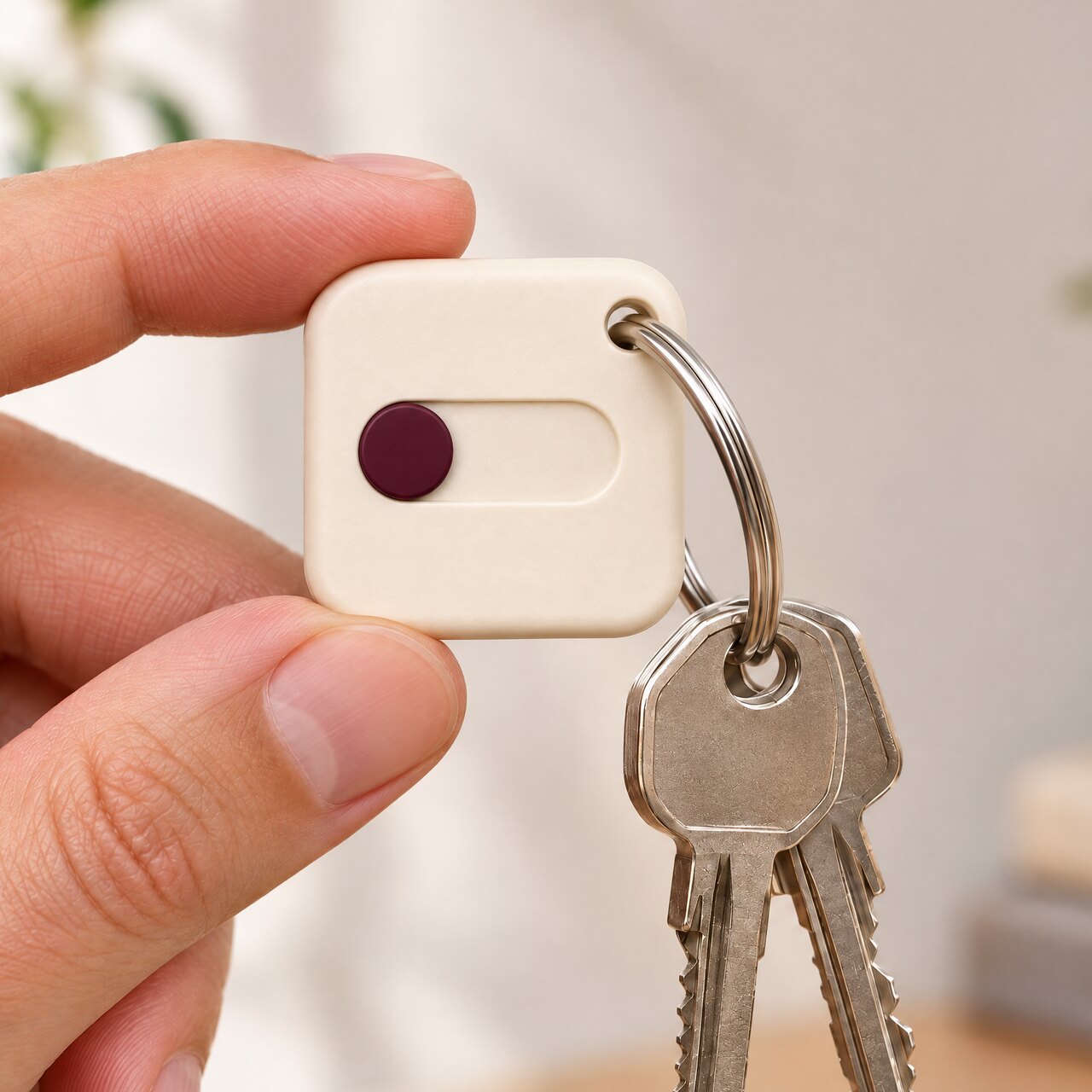
Keys
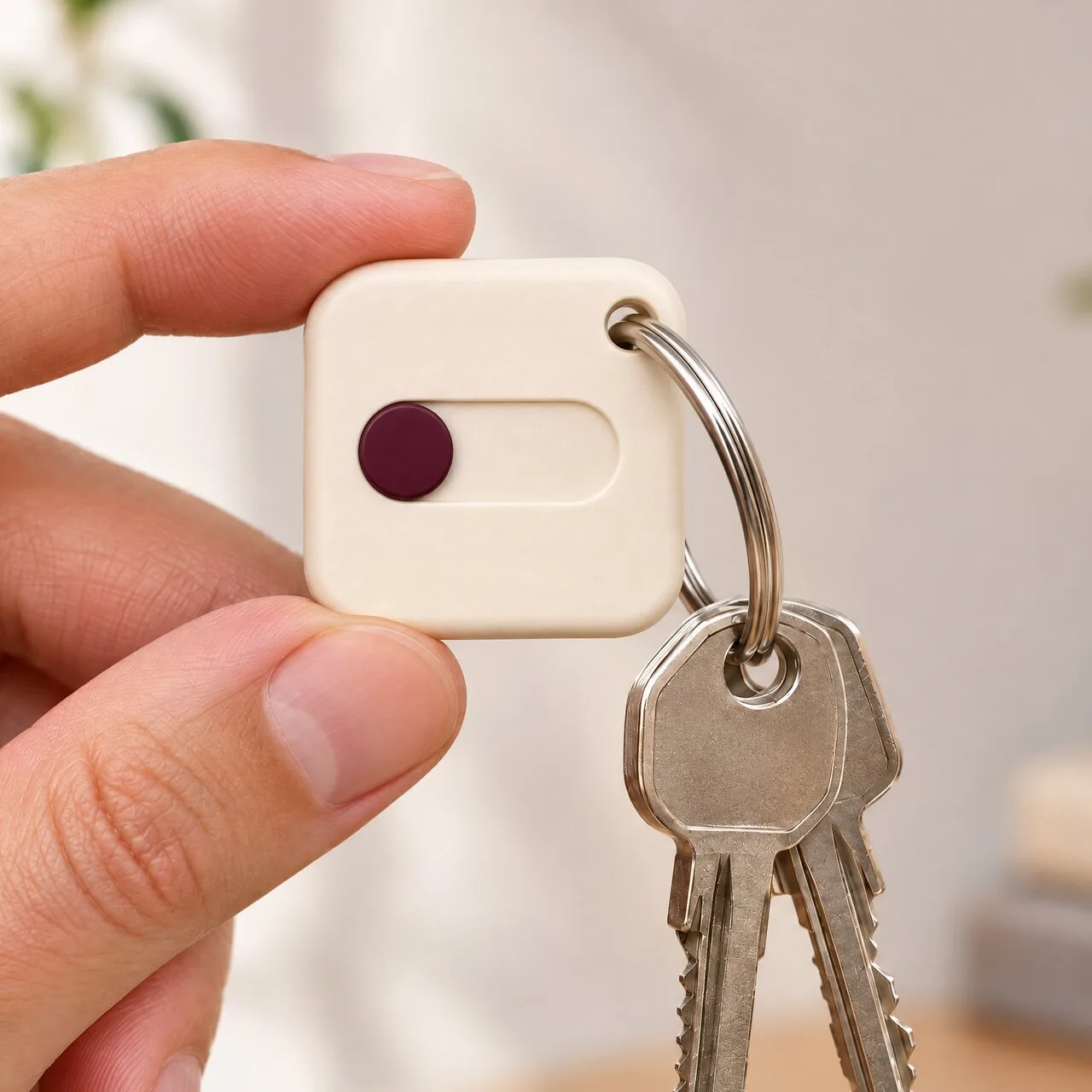
Sonday Go lives on your keys. Like every Sonday tag, it brings Sonday Plus along.


Troubleshooting
Tap not working? Try this.
Hold the top of your iPhone to the tag.
The NFC reader sits at the top of the iPhone. Touch the top edge to the tag and keep it there for a second.
Take off thick cases.
A thick case, a metal plate or a wallet case on the back can block the signal. Try again with the case off.
Keep the screen on.
NFC needs the screen on. Wake your iPhone first, then tap it to the tag.
Still stuck? Email us.
Email hello@getsonday.com and tell us what your iPhone does when you tap it to the tag.
Need help?
Still stuck? Just email us.
Tell us what you see when you tap your iPhone to the tag.
Email hello@getsonday.comWhat to include
- Your iPhone model
- What happens when you tap it to the tag
- Your order number, if you have one