Compare
Sonday vs the rest.
Brick, Bloom, Opal or just Screen Time? Here’s how they differ, side by side, so you can pick what fits.
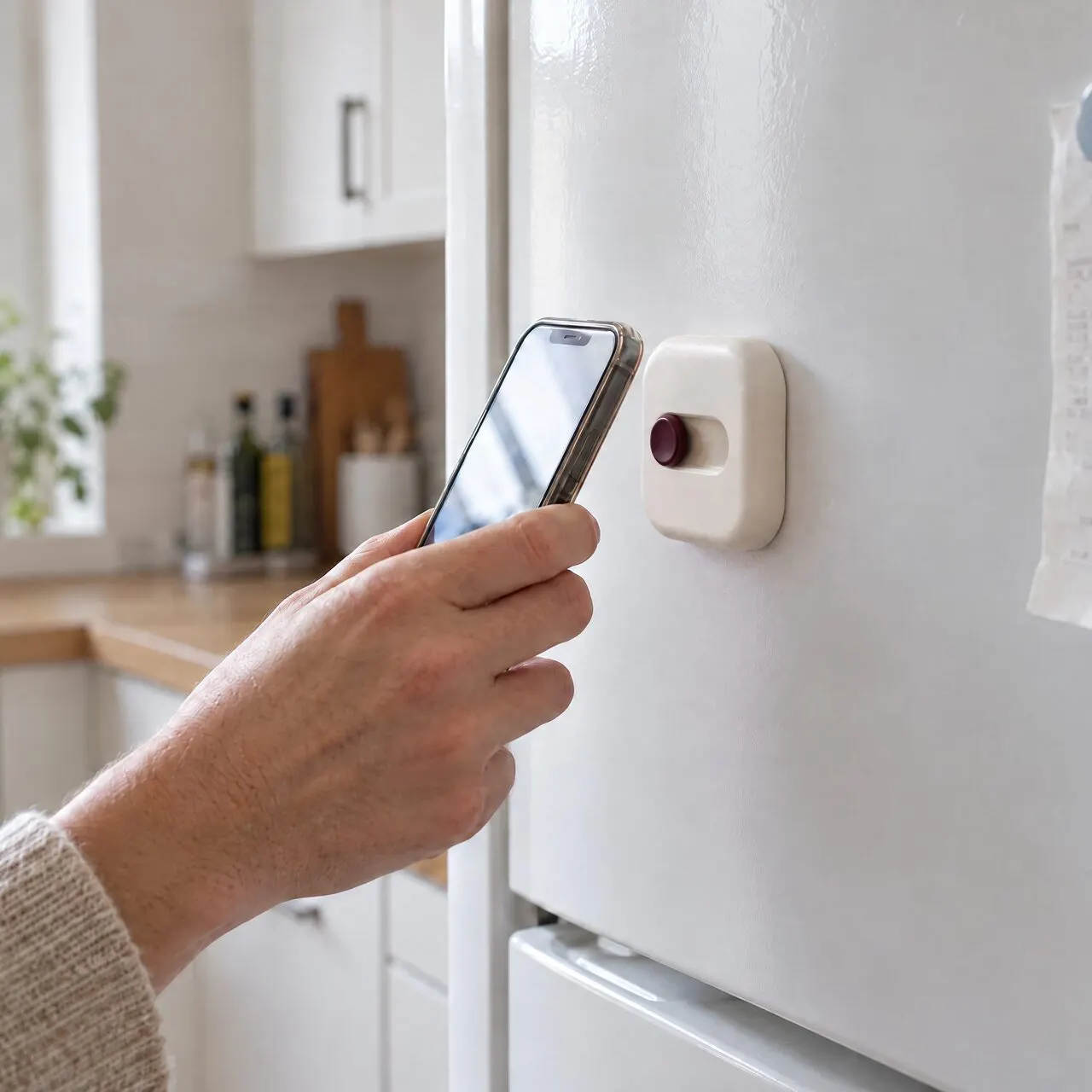
At a glance
Side by side.
| Sonday | Brick | Bloom | Opal | Screen Time | |
|---|---|---|---|---|---|
| Price | App free, tag €39,95 | $59 | $39 card, $69 set | Free, Pro $99.99 a year | Free |
| Subscription | No, with a tag | No | No | For Pro | No |
| Physical tag | Yes: Stay and Go | Yes | Yes: card and pod | No | No |
| A tag for home and one for your keys | Yes | No | Yes | No | No |
| Works on | iPhone Android coming soon | iPhone and Android | iPhone and Android | iPhone, Android, Mac | iPhone |
| Account | Not needed | Not stated | Not stated | Sign-in | Not needed |
| Places: rooms that start where you are | Coming soon | Not stated | Not stated | Not stated | No |
| Friends scoreboard: weekly totals, no streaks | Coming soon | Not stated | Not stated | Not stated | No |
| Money back | 60 days | 30 days | 30 days | n/a | n/a |
Prices and features of others as shown on their own websites on 9 November 2026. “Not stated” means we couldn’t find it there. Spotted something out of date? Email hello@getsonday.com.
Sonday vs Screen Time
Screen Time is built into your iPhone and free. Sonday is built on it too, so your apps stay just as private.
- The difference
- Screen Time limits are easy to wave away: one tap on Ignore Limit and you’re back. Sonday puts the apps in rooms you start on purpose, and ending one early takes a deliberate hold or a tap of your tag.
- Best for
- Screen Time if a gentle reminder is enough. Sonday if you want a switch you actually have to flip.
Sonday vs Brick
Brick is a physical tag that blocks apps until you tap it again. It’s $59, and the app has emergency unbricks for when you need out.
- The difference
- Sonday tags come in two shapes: a Stay for the fridge or your desk, and a Go for your keys, so the switch is where you are. Rooms let you block different apps for different moments, and the Journal shows your week without streaks or guilt.
- Best for
- Brick if you want one tag, or Android today. Sonday if you’re on iPhone, want a tag at home and on your keys, and like calm over strict.
Sonday vs Bloom
Bloom sells a card you hold to your phone and a pod that stays put, from $39, with no subscription.
- The difference
- Both pair a home tag with one you carry. Sonday adds rooms with timers, schedules and breaks, and comes with 60 days to send it back instead of 30.
- Best for
- Bloom if you need Android today; Sonday follows soon. Sonday if you’re on iPhone and want rooms for different moments.
Sonday vs Opal
Opal is an app blocker without a physical tag. The free plan has one rule; Pro is $99.99 a year or $399 once.
- The difference
- Sonday’s free app already has rooms, the switch and your Journal, with no account. A Sonday tag brings Sonday Plus forever, so there’s no yearly bill, and it adds a physical switch you can’t just swipe away.
- Best for
- Opal if you want a Mac app too. Sonday if you’d rather pay once and flip a real switch.
FAQ
Good to know
Is Sonday a Brick alternative for iPhone?
Yes. Like Brick, Sonday uses a physical tag you tap to block apps. Sonday works on iPhone now, with Android coming soon. It comes with a tag for home and one for your keys, and lets you set up rooms for different moments.
Do I need a subscription?
No. The app is free, and a Sonday tag brings Sonday Plus forever. Sonday Plus adds timers, schedules and breaks, and on its own it’s €24,99 a year.
What if I need my apps in an emergency?
You’re never locked out. Every room has a way out: hold to end early, a break if the room allows one, and emergency unblocks that reset on a schedule you pick. Here’s how it works.
Does Sonday work on Android?
Not yet, but it’s coming soon. Today Sonday works on any iPhone with iOS 26 or later, built on Apple’s Screen Time.